Release Binary
Install the release binary directly on a Linux host when you do not want Docker to manage the server.
Use This When
Use this advanced path for a systemd-managed host install, custom networking, or environments where Docker is not available. Most selfhosters should start with Docker Compose.
Prerequisites
- Linux
amd64orarm64. - A release archive and
checksums.txtfrom GitHub Releases. - The matching source archive from GitHub Releases when you need the complete corresponding source.
- A persistent data directory such as
/var/lib/p2pstream. - Root or equivalent privileges when binding low ports such as
80and443.
Steps
Download and verify the archive:
bashcurl -fLO https://github.com/Kirari04/p2pstream/releases/download/vX.Y.Z/p2pstream_vX.Y.Z_linux_amd64.tar.gz curl -fLO https://github.com/Kirari04/p2pstream/releases/download/vX.Y.Z/p2pstream_vX.Y.Z_source.tar.gz curl -fLO https://github.com/Kirari04/p2pstream/releases/download/vX.Y.Z/checksums.txt sha256sum -c checksums.txt --ignore-missing tar -xzf p2pstream_vX.Y.Z_linux_amd64.tar.gzUse
linux_arm64on ARM hosts.Install the binary:
bashsudo install -m 0755 p2pstream /usr/local/bin/p2pstream sudo install -d -m 0700 /var/lib/p2pstreamStart the server for an initial test:
bashsudo env CONFIG_DIR=/var/lib/p2pstream \ MANAGEMENT_PUBLIC_URL=https://proxy.example.com:8081 \ /usr/local/bin/p2pstream serverFor production, create a systemd unit instead of running the foreground command.
Production setup
The
.envfile is optional for the binary install — environment variables can be passed directly or via a systemdEnvironmentFile. For a long-running server, use the Systemd guide to create a proper service unit with automatic restart and hardened permissions.
Runtime Effects
p2pstream server reads .env and environment variables, starts management on MANAGEMENT_PORT default 8081, loads public listeners from SQLite, and stores generated files under CONFIG_DIR when DATABASE_URL is unset.
The same binary also includes the agent command:
p2pstream agent \
  --management-url https://proxy.example.com:8081 \
  --management-ca-file /etc/p2pstream/management-ca.pem \
  --management-trust-file ./p2pstream-agent-state/management-ca.pem \
  --agent-id agent-... \
  --agent-token ...
Most agent installs should still use the command from the Agent Setup modal opened from Agents so the ID, token, URL, and CA material match the registered agent.
The release archive includes LICENSE, NOTICE, SOURCE.txt, and third-party notices under third-party/.
Verification
Open:
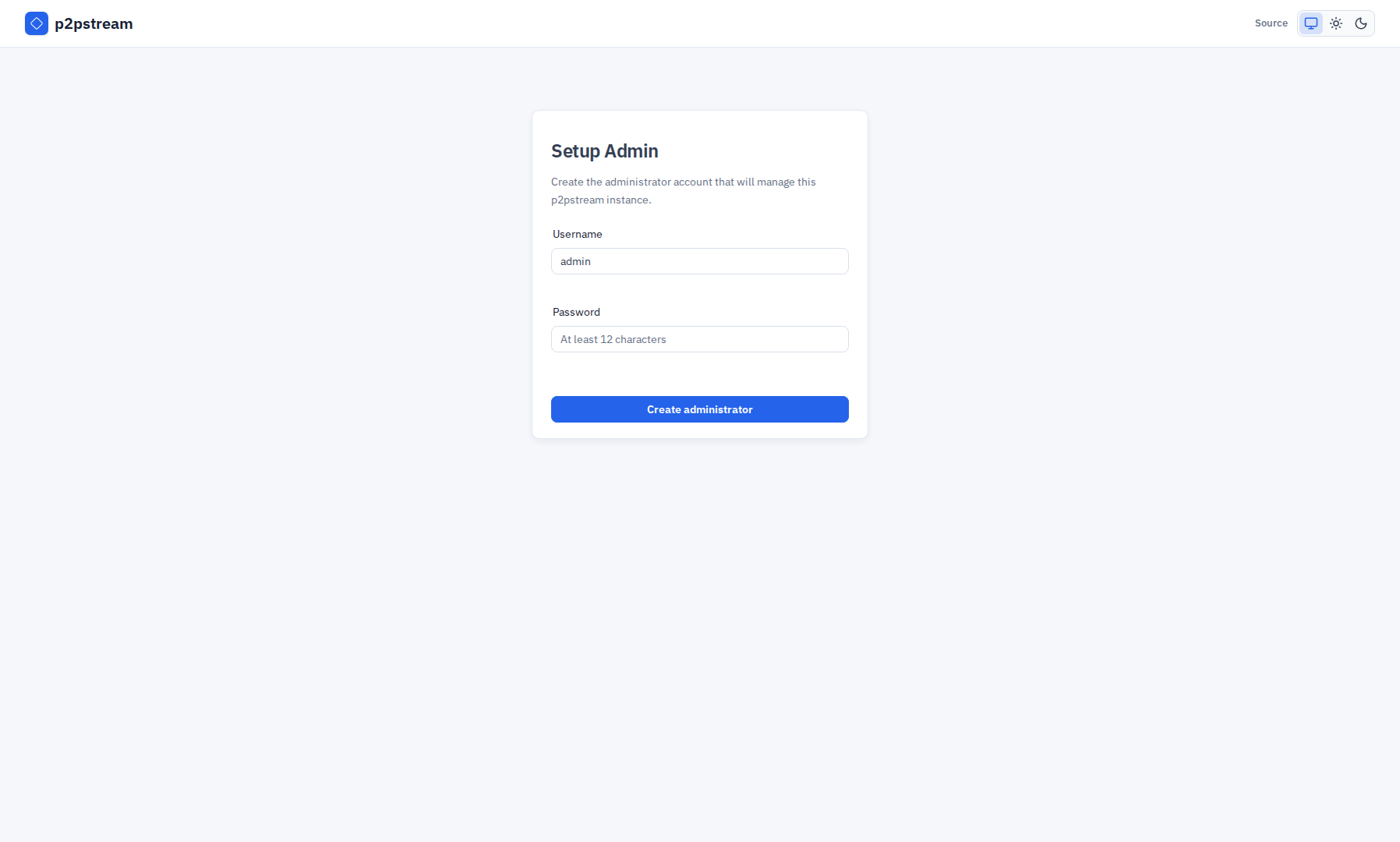
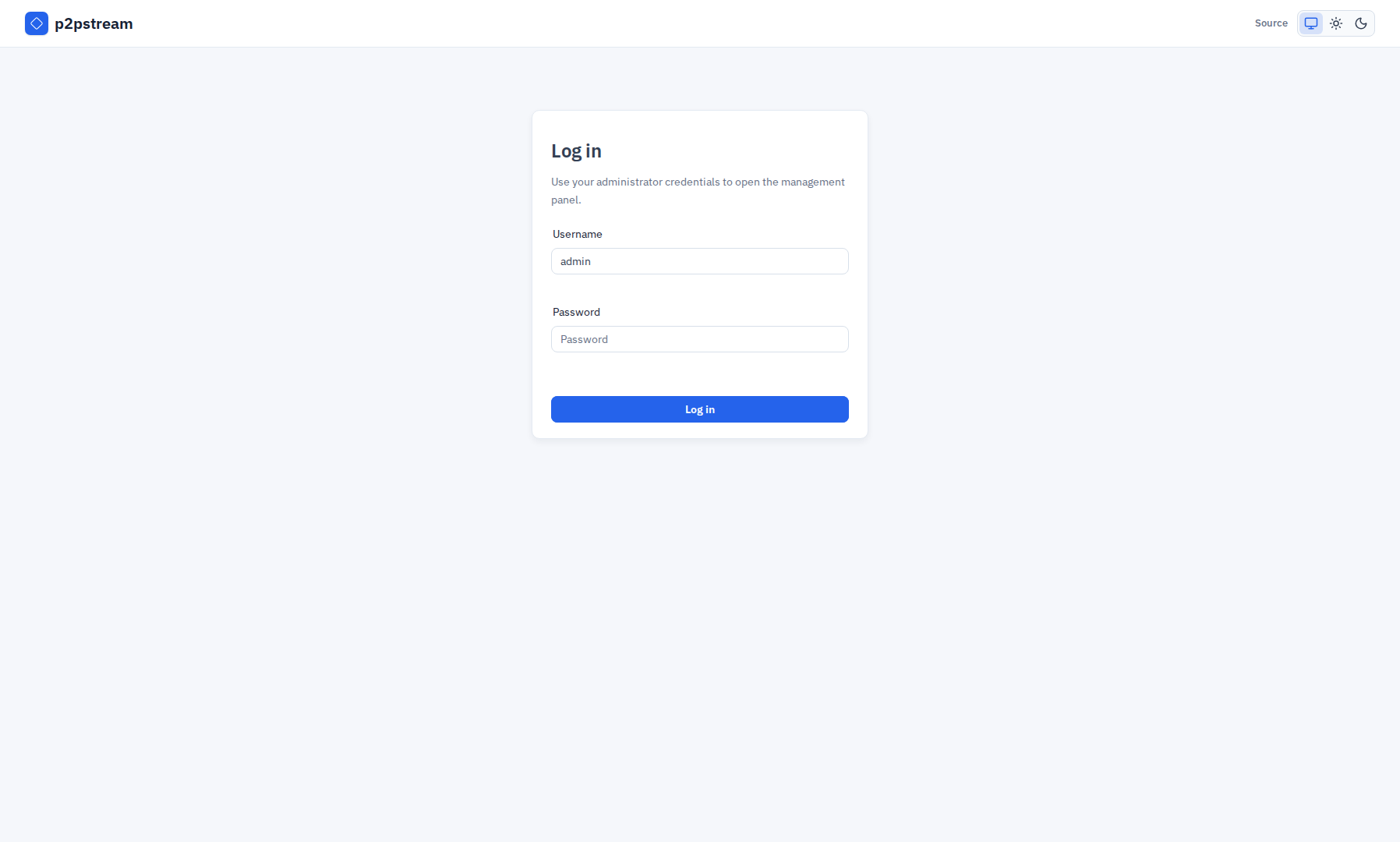
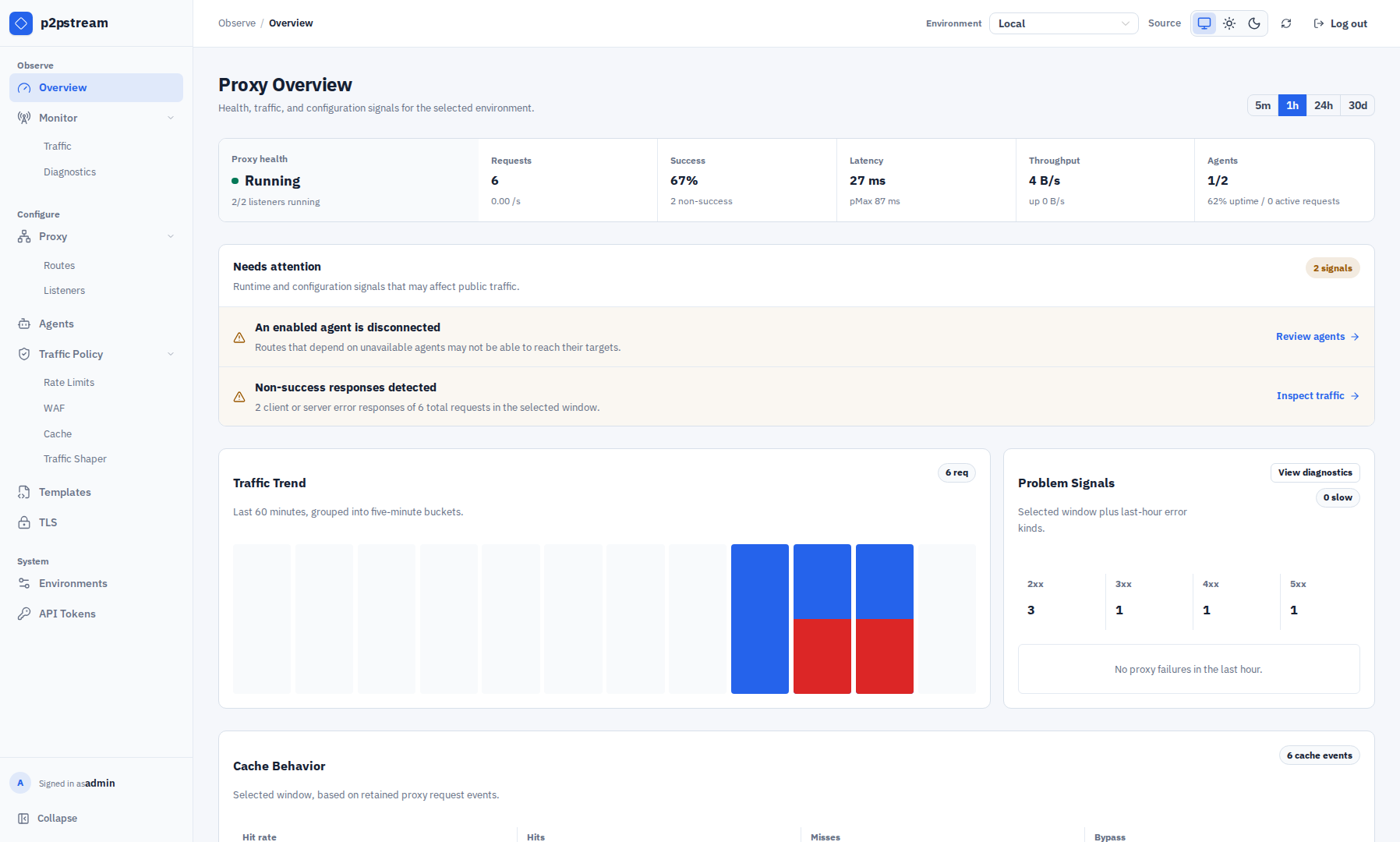
https://proxy.example.com:8081Then confirm Overview loads and Proxy -> Listeners shows any configured listeners. If you run systemd, verify:
sudo systemctl status p2pstream
sudo journalctl -u p2pstream -f
The management listener also exposes the AGPL source offer:
https://proxy.example.com:8081/.well-known/p2pstream/sourceTroubleshooting
| Symptom | Check |
|---|---|
Cannot bind 80 or 443 | Run with enough privileges, grant capabilities, or use high ports. |
| Data disappears after restart | Ensure CONFIG_DIR points to persistent storage. |
| Browser warns about management TLS | Trust the generated CA or provide trusted management TLS. |
| Agents cannot verify management | Pass the generated management CA to the agent. |