First Login
Create the first admin account during the setup window, then use the management console to configure the proxy.
Use This When
Use this on a new installation, after restoring an empty database, or when you need to recover a forgotten management password.
Prerequisites
- The server is running.
- No management users exist yet for first setup.
- You can reach the management URL, usually
https://your-server:8081. - You have the setup token from
MANAGEMENT_SETUP_TOKENor from the server startup log.
Steps
5-minute setup window
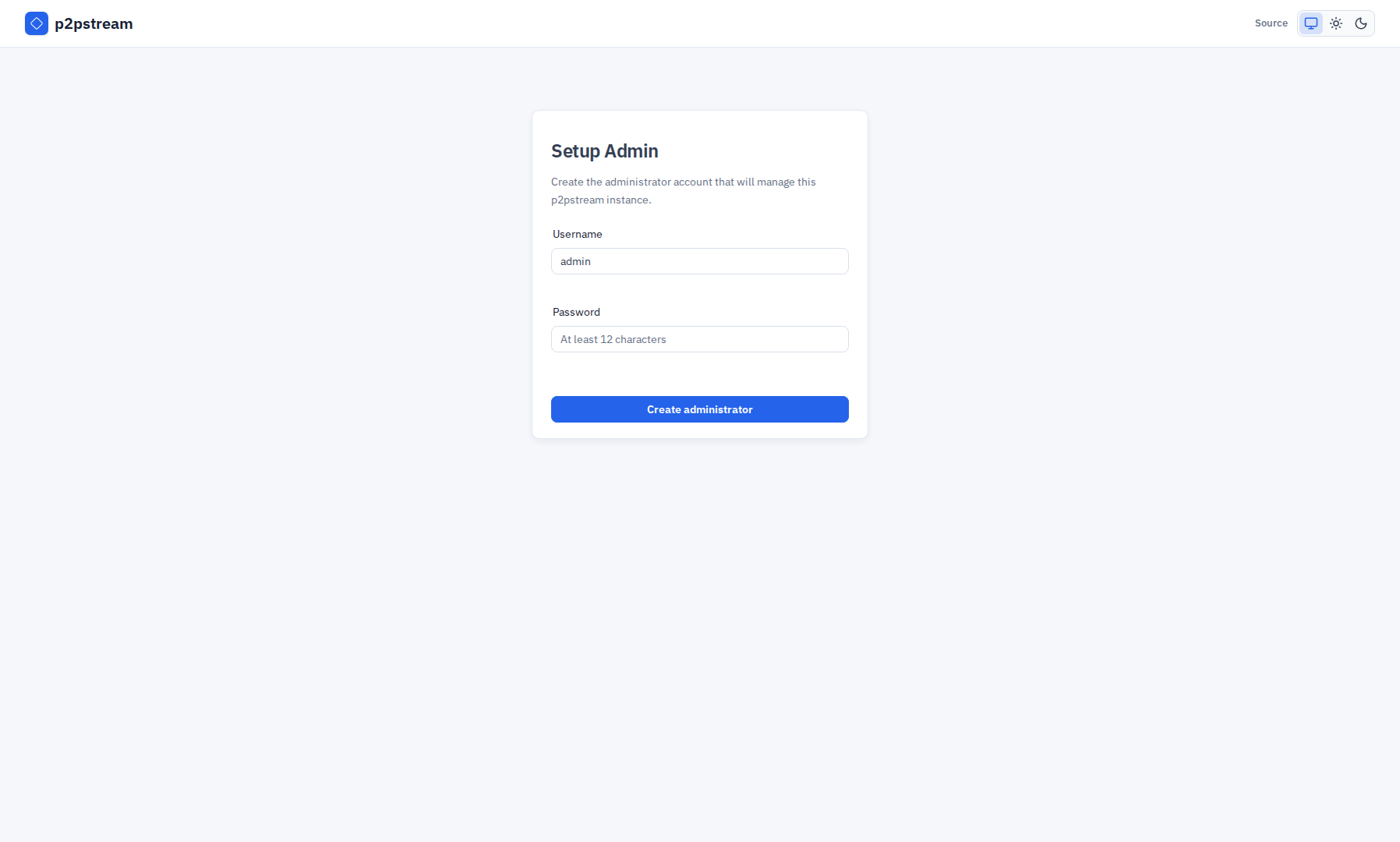
The Setup Admin form is only available for 5 minutes after server start when no users exist. If you miss the window, restart the server to reopen it:
bash
docker compose restart p2pstream- Open the management URL in a browser.
- Include the setup token in the URL, for example
https://your-server:8081/?setup_token=<token>. - On Setup Admin, create the primary administrator account.
- Use a username with 3 to 64 lowercase letters, numbers, underscores, or hyphens.
- Use a password with at least 12 characters.
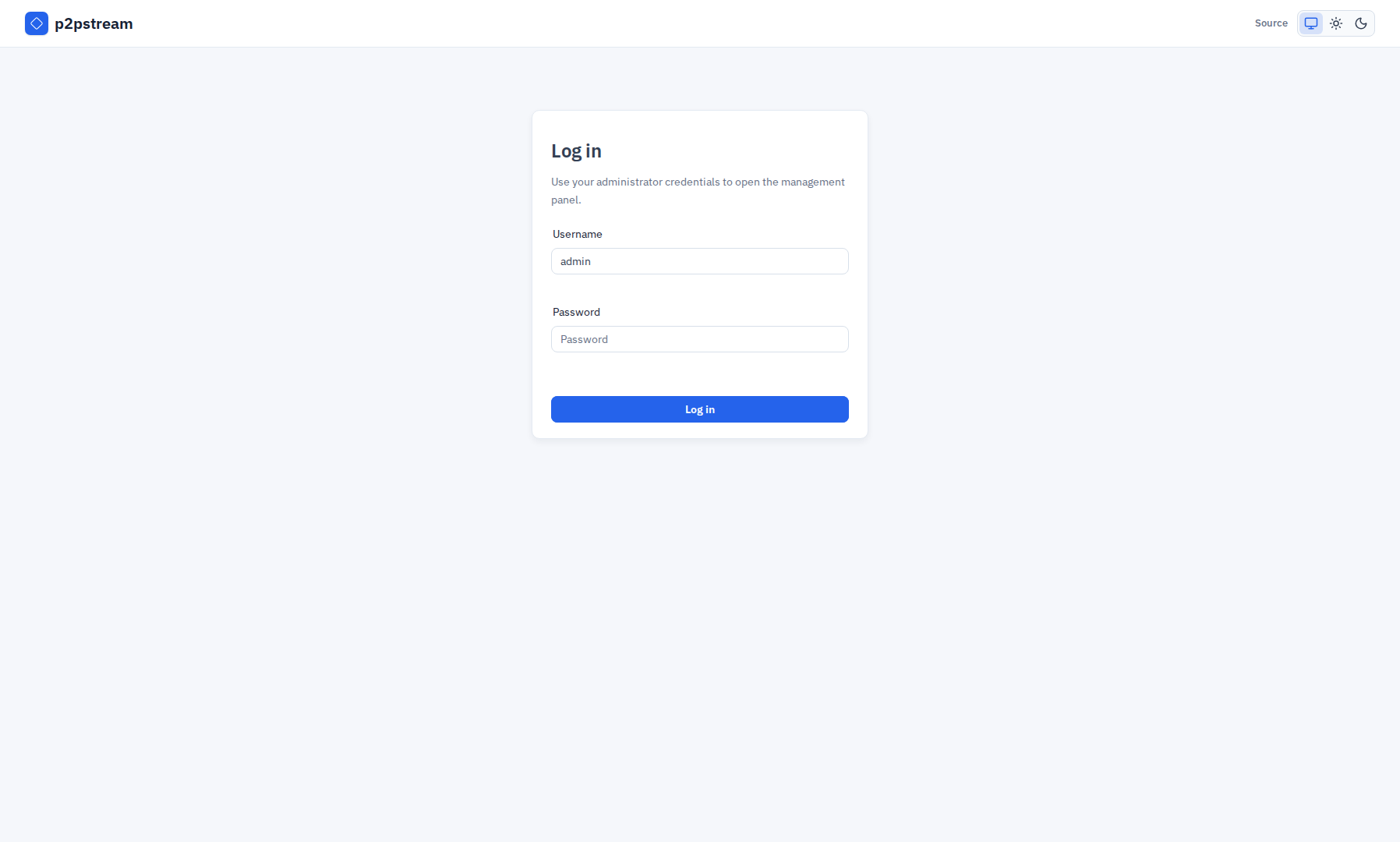
- Log in and open Overview, then use Proxy -> Listeners and Proxy -> Routes when you are ready to create public endpoints, routes, and route targets.
Runtime Rules
| Area | Behavior |
|---|---|
| Usernames | Normalized to lowercase and limited to lowercase letters, numbers, underscores, and hyphens. |
| Passwords | Minimum length is 12 characters. |
| Setup token | Required only before the first admin exists. Configured values require at least 32 random characters. If MANAGEMENT_SETUP_TOKEN is unset, a generated token is printed once at startup. |
| Sessions | Stored in SQLite and expire after 7 days. |
| Cookie security | Session cookie is HTTP-only, SameSite Lax, and Secure when management TLS is enabled, ENV=production, or MANAGEMENT_COOKIE_SECURE=true. |
Verification
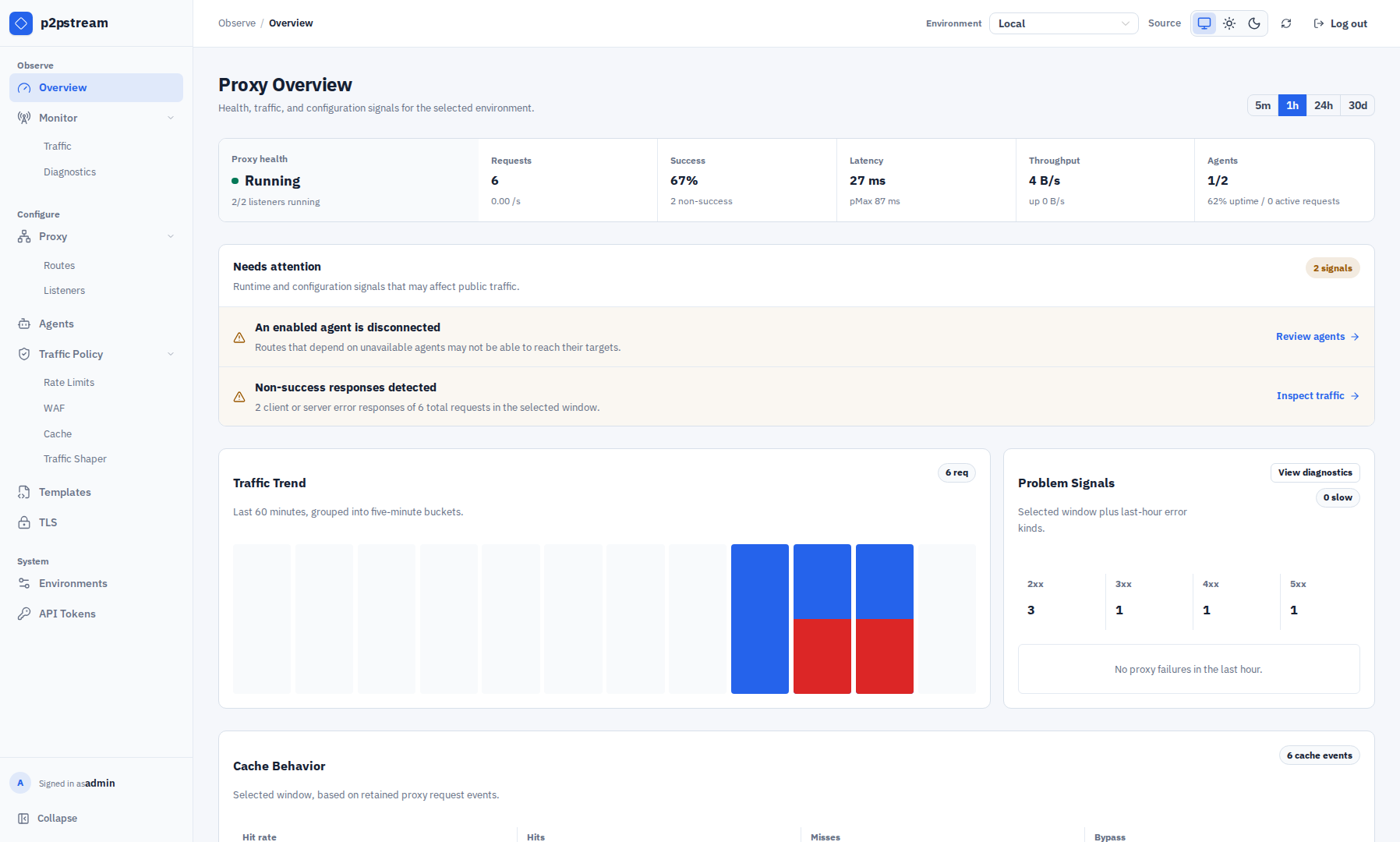
After login, the Overview dashboard should load with live proxy status, request totals, and traffic trends. The sidebar is grouped as follows:
- Observe: Overview and Monitor, with Traffic and Diagnostics under Monitor.
- Configure: Proxy, with Routes and Listeners, plus Agents, Traffic Policy, Templates, and TLS. Traffic Policy contains separate Rate Limits, WAF, Access, Cache, Retries, and Traffic Shaper tabs.
- System: Environments and API Tokens.
Troubleshooting
| Symptom | Fix |
|---|---|
| Setup window expired and no users exist | Restart the server and create the first admin within 5 minutes. |
| Setup says token is required | Use the URL from the server log, or set MANAGEMENT_SETUP_TOKEN and restart before first setup. |
| Forgot an existing password | Reset the user against the same SQLite database. |
| Reset command uses the wrong database | Run it in the container or pass the same CONFIG_DIR or --database-url used by the server. |
Docker Compose recovery:
bash
docker compose exec p2pstream p2pstream users reset-password adminBinary/systemd recovery:
bash
CONFIG_DIR=/var/lib/p2pstream p2pstream users reset-password adminThe reset command updates the user password and revokes active sessions for that user.