Docker Compose Quickstart
Start p2pstream with Docker Compose, persist runtime state in the p2pstream-data volume, and open the management UI over HTTPS.
Use This When
Use this path for the normal self-hosted server deployment on a VPS, home lab host, or small private fleet. Compose starts one server container with the management UI/API on 8081, a seeded HTTP listener on 80, and a seeded HTTPS listener on 443.
Prerequisites
- Docker Engine with the Docker Compose plugin.
- Host ports
80,443, and8081available, or adjusted host port mappings in.env. - A management hostname or IP address that browsers and agents can reach.
Steps
Clone the repository and enter it:
bashgit clone https://github.com/Kirari04/p2pstream.git cd p2pstreamCopy the example environment file:
bashcp .env.example .envEdit
.envso generated browser links and agent snippets use the real management URL:Set the public URL before starting
The default
MANAGEMENT_PUBLIC_URL=https://localhost:8081only works when the browser and all agents run on the same host. Change it to the externally reachable address before first start:dotenv# Before (default — only works on localhost) MANAGEMENT_PUBLIC_URL=https://localhost:8081 # After — use your server's real hostname or IP MANAGEMENT_PUBLIC_URL=https://your-server:8081Start the server:
bashdocker compose up -d docker compose logs -f p2pstreamOpen management:
texthttps://your-server:8081
The management server uses HTTPS by default. In auto mode, p2pstream creates a local management CA and server certificate under /data/certs/management; browsers warn until you trust that CA or place management behind trusted TLS.
Verification
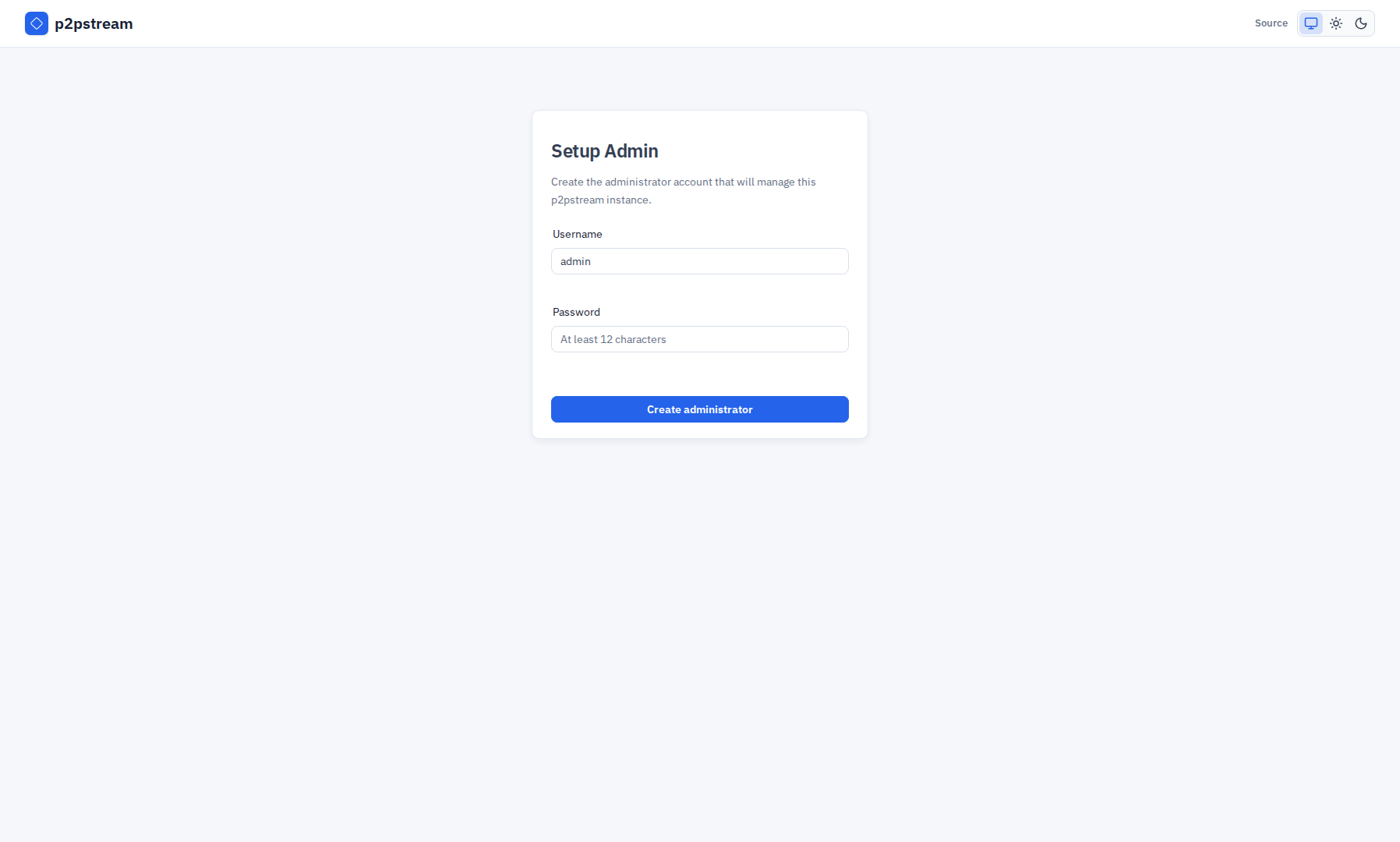
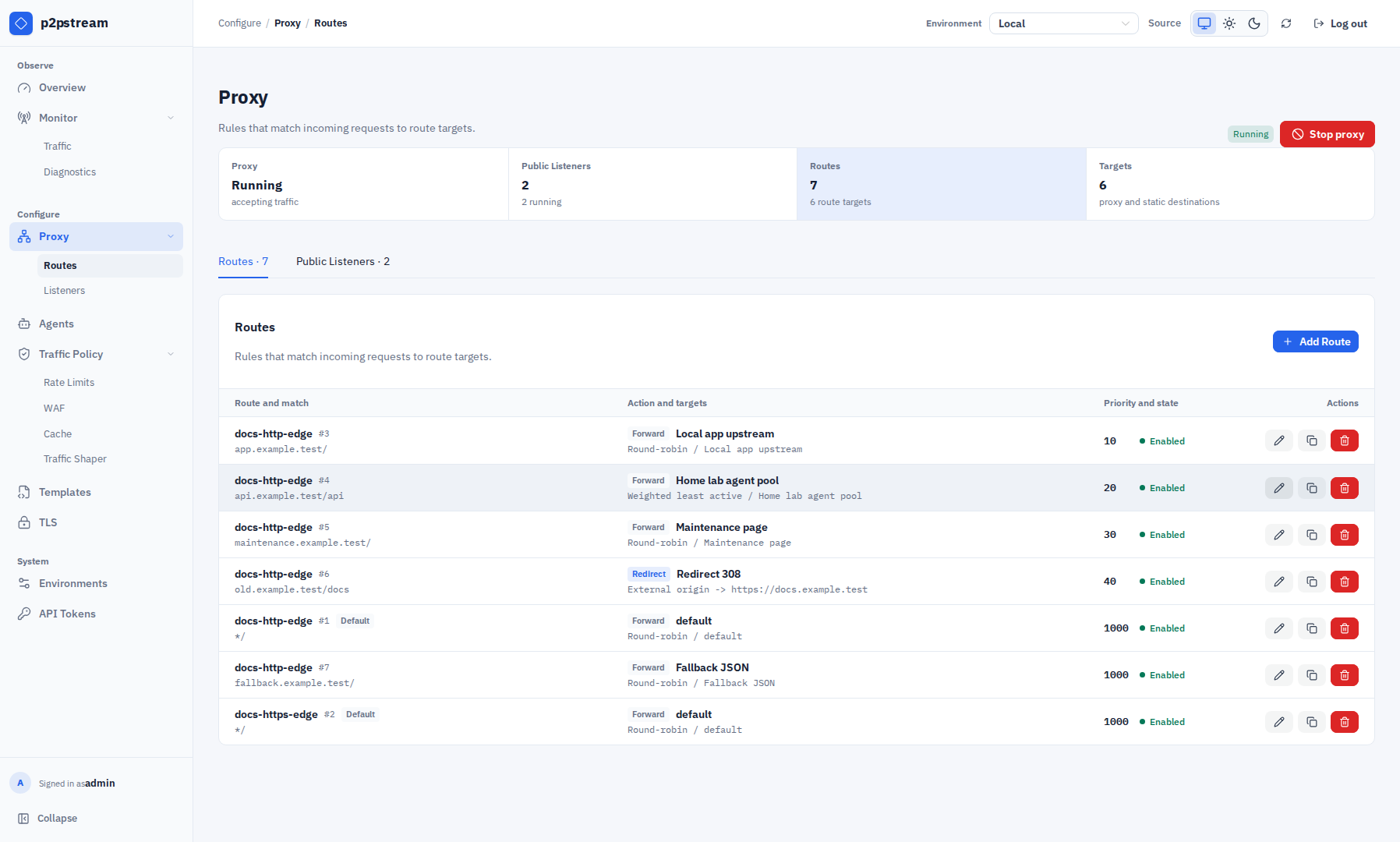
The first browser visit should show Setup Admin. After setup, Overview should load. Proxy -> Listeners should show the seeded public-http and public-https listeners, while Proxy -> Routes should show the default routes with static welcome targets.
On a new database, p2pstream seeds:
| Object | Default |
|---|---|
| HTTP listener | public-http on :80 |
| HTTPS listener | public-https on :443 |
| Routes | default catch-all routes with static welcome targets |
| HTTPS fallback certificate | self-signed mapping for p2pstream.local |
The seeded static targets serve a local Welcome to p2pstream proxy page. Replace them or add more specific routes before publishing real traffic.
Troubleshooting
| Symptom | Check |
|---|---|
| Browser cannot connect | Confirm docker ps, host firewall, and P2PSTREAM_MANAGEMENT_PORT. |
| Certificate warning | Expected with auto management TLS until the generated CA is trusted. |
| Agent snippets use the wrong URL | Fix MANAGEMENT_PUBLIC_URL and restart with docker compose up -d. |
| Public listener does not answer | Confirm the listener exists under Proxy -> Listeners, is enabled and running, and its port is published by Compose. |
See Troubleshooting for route, TLS, agent, and cache-specific checks.