Rate Limit a Route
Reject repeated requests before they reach route resolution and the upstream target.
Use This When
Use rate limits for login forms, expensive API endpoints, public probes, or client budgets that should fail fast with 429.
Prerequisites
- A route or hostname/path you can match precisely.
- A keying strategy that identifies clients correctly in your network layout.
Steps
Open Traffic Policy -> Rate Limits and select Add Rate-Limit Rule.
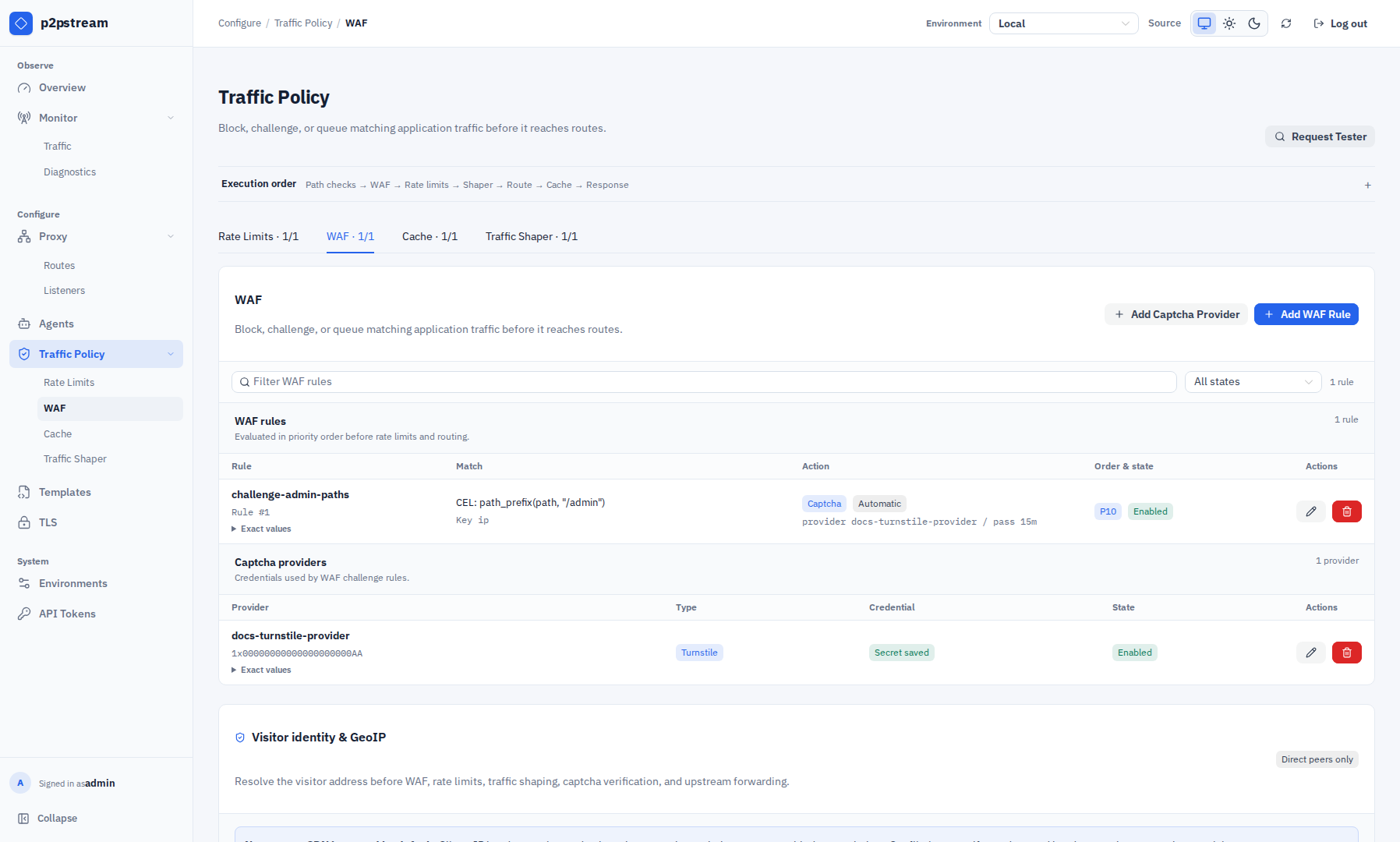
Rate Limits and WAF are separate Traffic Policy tabs. Both evaluate before route resolution and can reject or challenge a request before it reaches an upstream. Configure the match:
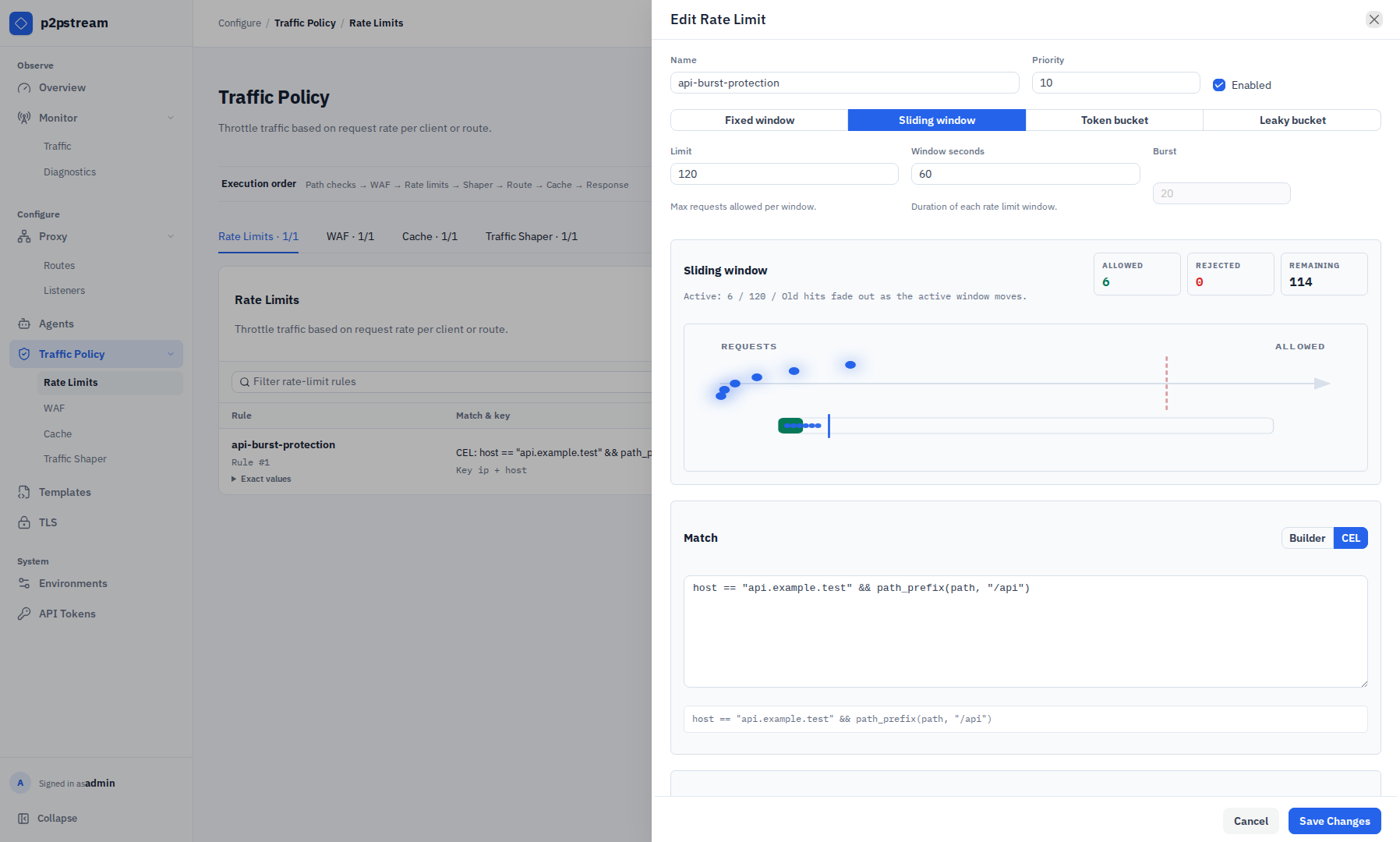
Field Value Name login-limitPriority 10Enabled On Methods POSTProtocols HTTPS Host patterns app.example.comPath prefixes /loginConfigure the algorithm. For login protection:
Field Value Algorithm Sliding window Limit 10Window seconds 60Burst 0For APIs that should allow short bursts, use token bucket:
Field Value Algorithm Token bucket Limit 120Window seconds 60Burst 240Configure key parts. Key parts are concatenated with
|and hashed — each unique combination gets its own counter. Default key is remote IP. Add key parts when you need a more specific budget:- remote IP + host,
- remote IP + path,
- header
Authorizationfor authenticated API clients, - cookie or query parameter for known client identifiers.
Configure the response:
Field Value Status 429Content type text/plain; charset=utf-8Body source Inline Body Rate limit exceededTo reuse the same denial body across rules, open Templates, create a Generic body template, then set the rate-limit response body source to Template and select it. The rate-limit rule still controls the response status, content type, generated rate-limit headers, and custom response headers.
Verification
Send repeated matching requests and watch Overview -> Problem Signals or Monitor -> Traffic tracing. A limited request should return 429 and should not reach route/target selection.
Troubleshooting
| Symptom | Check |
|---|---|
| Every user is limited together | p2pstream may see one reverse-proxy IP; add key parts or place p2pstream at the edge. |
| Rule never fires | Confirm method, protocol, host pattern, path prefix, and priority. |
| Bursts are too large | Burst cannot exceed 10x limit and should be set intentionally. |
| Template option rejected | Rate-limit responses can only use generic body templates. |